|
उत्पाद विवरण:
|
| प्रोडक्ट का नाम: | घनत्वमापक | नमूना: | HUA900 श्रृंखला |
|---|---|---|---|
| घनत्व सीमा: | डी=0.00 — 5.00(HUA-900C) | शक्ति का अपव्यय: | लगभग 25W |
| प्रमुखता देना: | black white densitometer HUA-900C,densitometer with 0.00-5.00 range,non destructive testing densitometer |
||
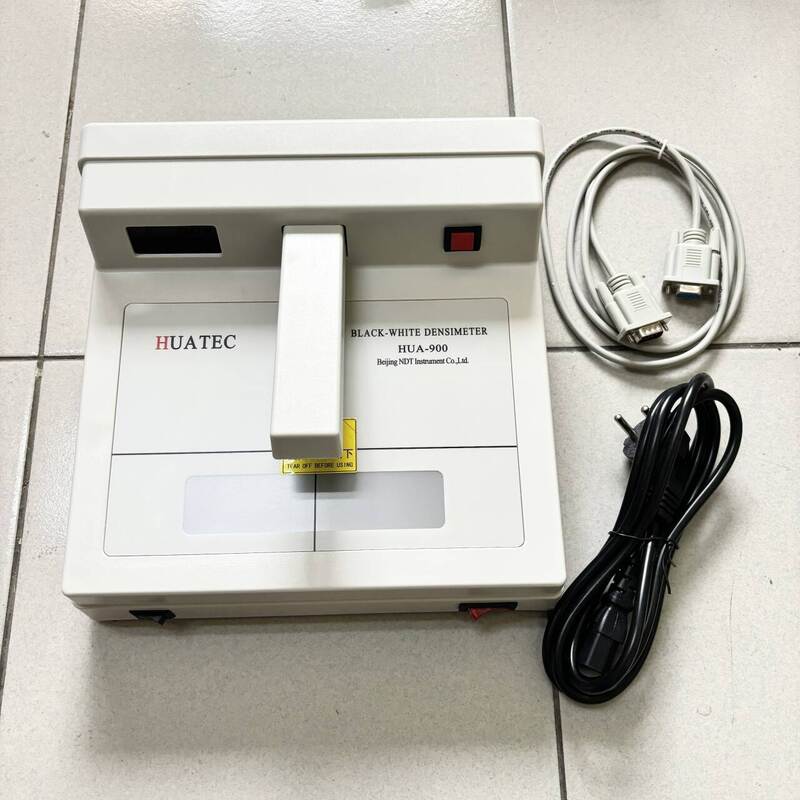
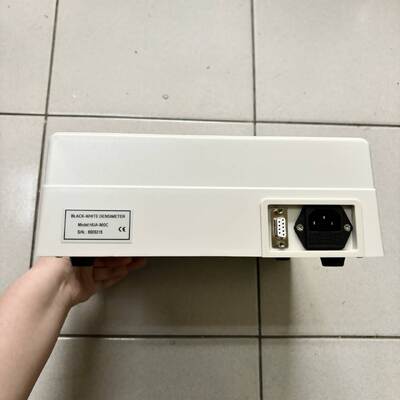
Densitometer HUA-900C (D=0.00-5.00) Black White Densitometer
Detailed Product Description
A Survey of the Densimeter
The densimeter developed by our company, is a quality product of computer-assisted high technology. It
boasts accurate readings, high stability and easy operation. It can be widely applied to the fields such as
nondestructive testing, publishing industry and medical science etc. Every densimeter is equipped with a
density tablet for testing its precision.
| Densitometer HUA-900A | (D=0.00-4.00) |
| Densitometer HUA-900B | (D=0.00-4.50) |
| Densitometer HUA-900C | (D=0.00-5.00) |
Technology Index
★Density Range
D=0.00 — 4.00(HUA-900A)
D=0.00 — 4.50(HUA-900B)
D=0.00 — 5.00(HUA-900C)
★Reading Stability ±0.02
★Measurement Uncertainty
0.00 — 2.00 0.02
2.00 — 4.50 0.05
4.50 — 5.00 0.08
★Power Requirements 50~60Hz, 220V±10%
★ Specifications 300×280×115(length*width*height)
★Aperture Diameter
diameter 2mm
★Display Format
three-digit number
★SamplingTime 0.8 seconds
★ Operation Environment
temperature 0℃~40℃
relative humidity ≤85%
★Power Dissipation About 25W
★Weight About 3kg
Operating Instructions:
I, Measuring Density Values:
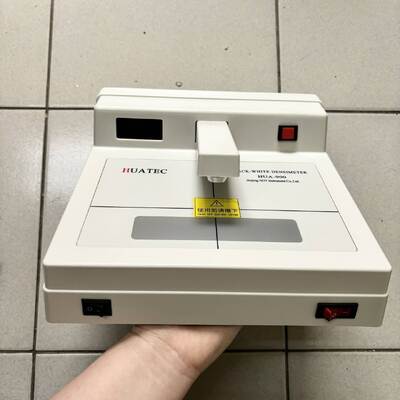
1, Push POWER button on the lower right corner of the densimeter after connecting it to the electricity
and on the screen will appear “-.--”. It needs 5 minutes to warm up.
2, Push measuring arm down without putting any samples and on the screen will appear “E.1”. Keeping
on pushing down the measuring arm while pushing the redZero Setting button on the upper right corner
of the densimeter and on the screen will appear “0.00”. Releasing the measuring arm, the densimeter
will enter the stage of measuring density values.
3, Align the sample with the aperture and push the measuring arm button, its density values will be
shown on the screen.
4, While using the standard density tablet equipped with the instrument, the zero point should be
determined first, that is, aligning the benchmark without density tablet with the aperture, pushing down
the measuring arm and the Zero Setting button at the same time, start test other samples till the screen
shows “0.00”.
![]()
![]()
व्यक्ति से संपर्क करें: Ms. Shifen Yuan
दूरभाष: 8610 82921131,8618610328618
फैक्स: 86-10-82916893